 Help
Help Giving Back
 My Account





 Sign Up
 Rates & Plans
 Pay Bill
 Help
Help My Account
Making a difference matters.
THE DIFFERENCE IS
Giving Back
When you choose Gas South, you’re part of our commitment to give 5% of profits to support children in need—more than $12M at the end of 2022. That’s money that helps pay for basic needs, education and health so children in the communities we serve can go on to lead successful futures.
How We're Helping 

THE DIFFERENCE IS
Ongoing Value
With Georgia’s most-trusted natural gas company, you’ll always get a great rate with no deposit, whether you’re just starting your natural gas service, switching to Gas South from another provider or if you’ve been with us for years.
See Rates and Plans

THE DIFFERENCE IS
Easy, Top-rated Service
Whether you’re managing your gas with your free and easy online account, the Gas South mobile app or with the help of our excellent Customer Care team, you’ve got lots of simple solutions to save time with plans, features and services that fit your needs.
Get in Touch 
THE DIFFERENCE IS
Our People and Culture
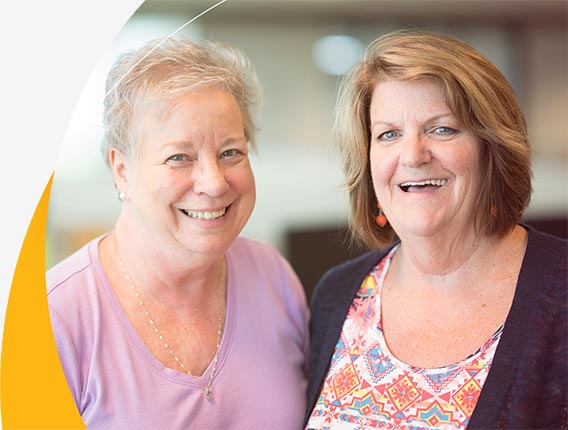
Beyond great pay and benefits, we know employees do best when they feel supported and have opportunities to grow, professionally and in their personal lives. It’s one of the reasons we’ve been named as one of Atlanta’s “Top Places to Work” by the Atlanta Journal Constitution five times since 2017.
Come Work With Us 

Looking for Something Else?








Move in with Gas South
Whether you're moving across town, into the state of Georgia or Metro Atlanta area, get your best rate on natural gas, no deposit and top-rated customer care for your business or home.
